Save your lithium cells.
Lightweight macOS monitor that alerts you when to plug in or out. Optimized for the 20-80% charge cycle.
The 20-80 Window
Lithium-ion batteries hate extremes. Staying between 20% and 80% charge significantly reduces stress on the cells, extending your MacBook's battery life by years.
BatAlert sits silently in your menu bar and plays a sound notification the moment your battery hits your defined threshold. No bloat, no background daemons.
Trusting the Binary
Because BatAlert is open-source and not signed with an Apple Developer certificate, macOS Gatekeeper will initially block its execution. Here is how to manually approve it.
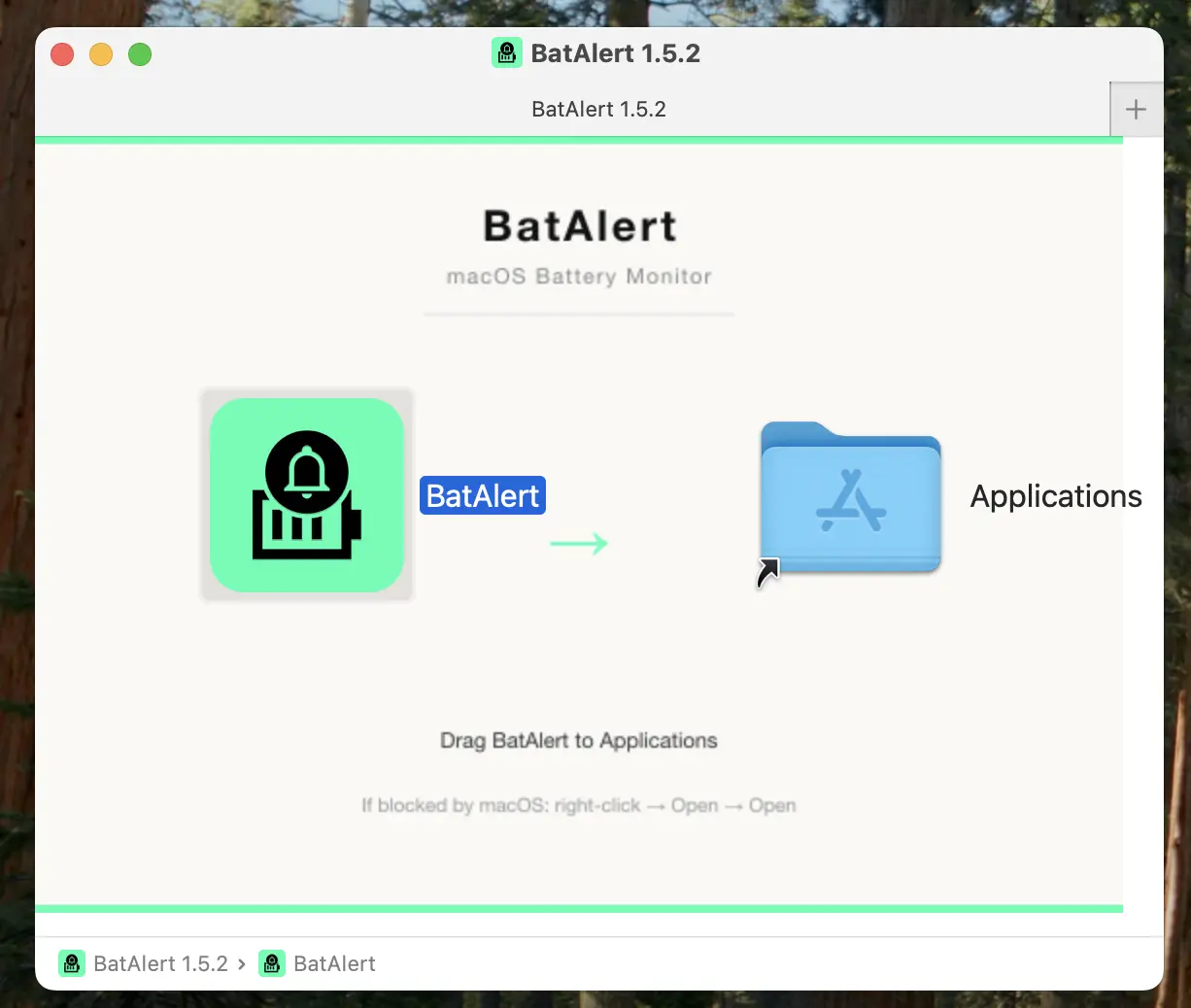
Step 01
When opening for the first time, macOS will show a security alert. Click "Cancel".
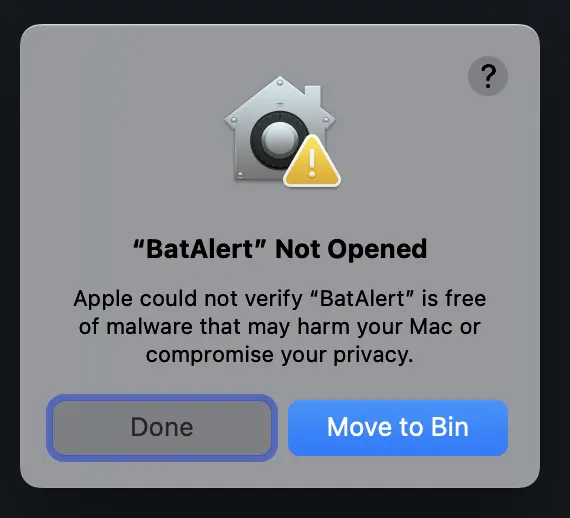
Step 02
Go to System Settings > Privacy & Security.
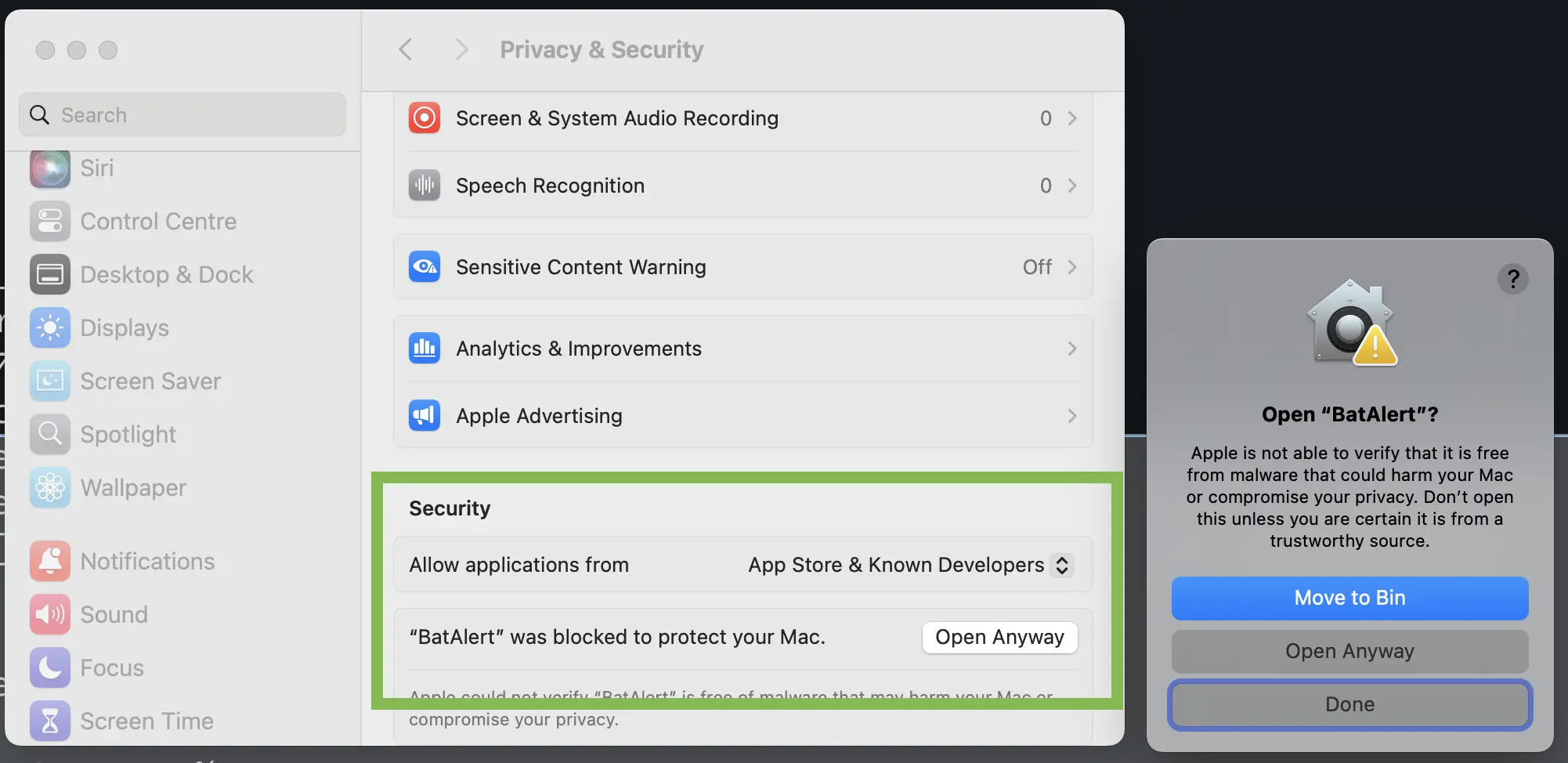
Step 03
Scroll down to find the section about "BatAlert" and click "Open Anyway".
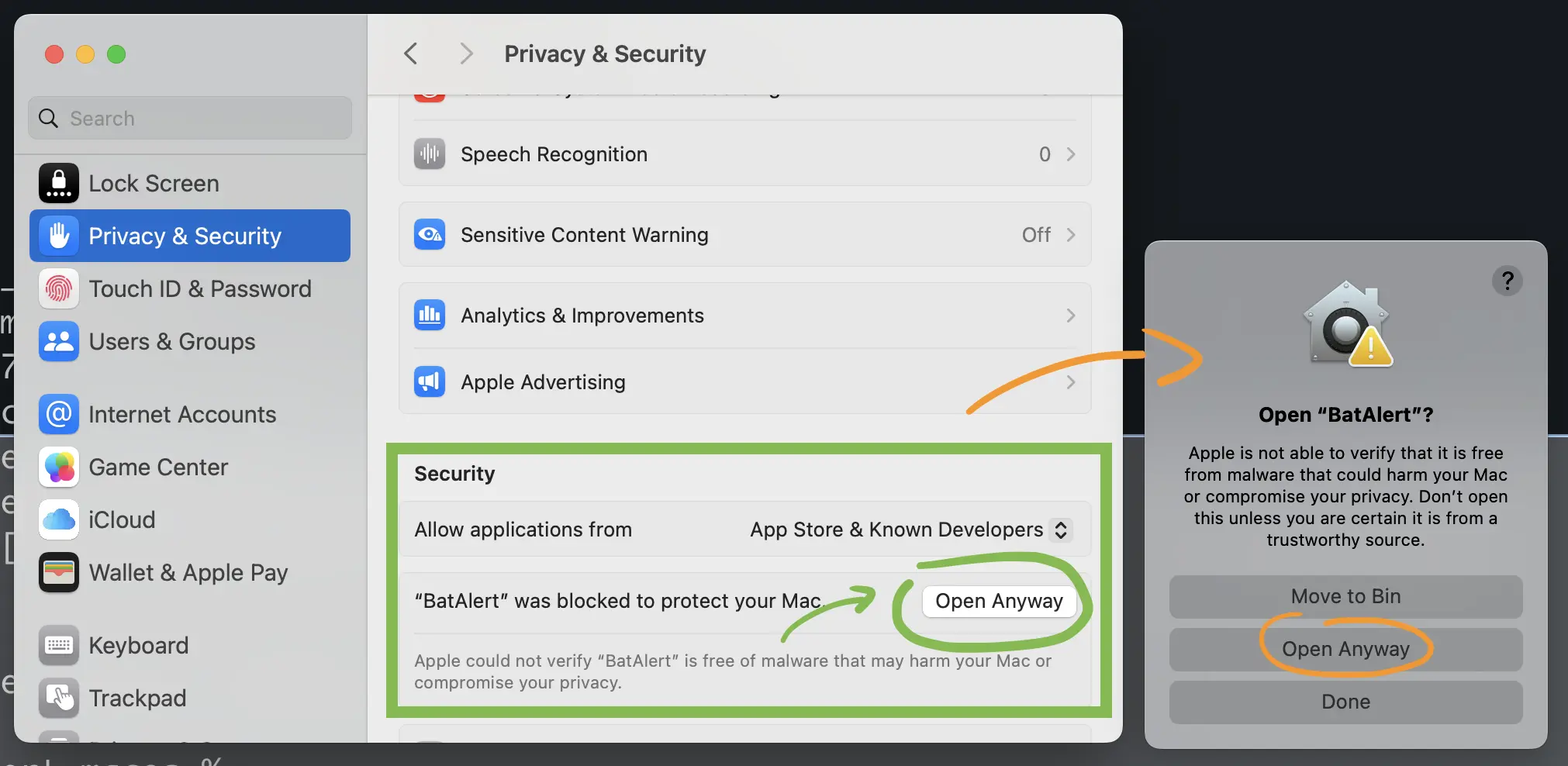
Step 04
Confirm by entering your password or using TouchID if prompted.
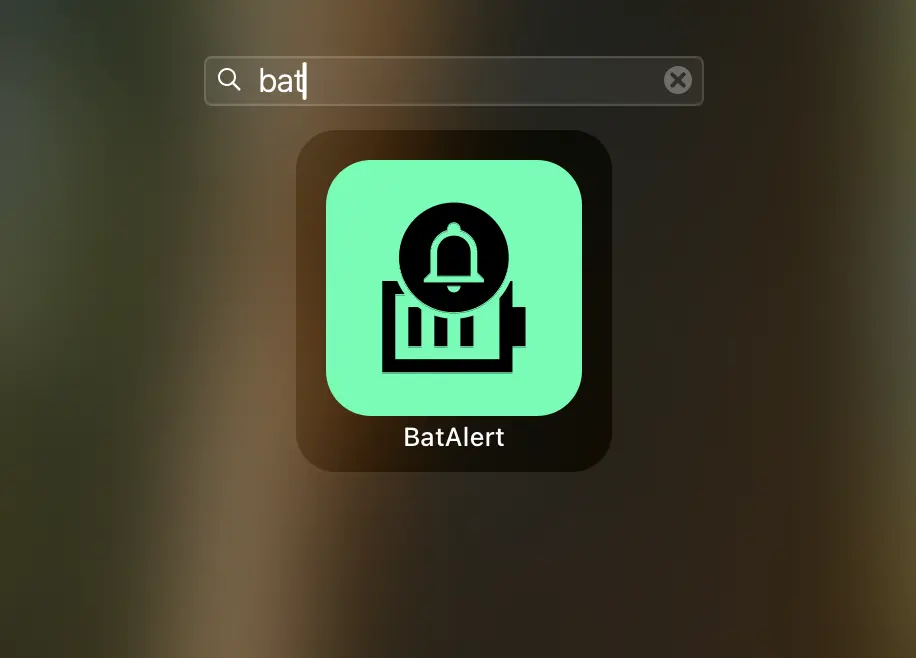
Step 05
One last confirmation: click "Open" in the final dialog.
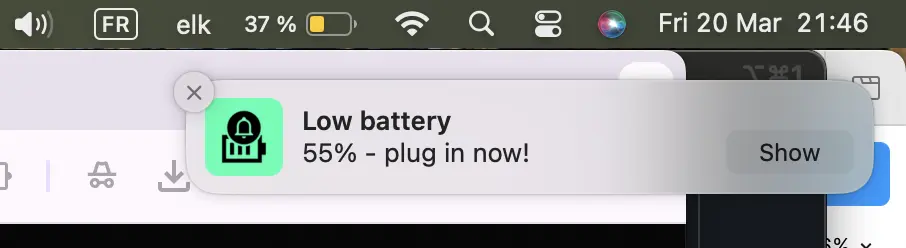
Step 06
BatAlert is now active in your menu bar. Setup will start automatically.
System Features
Zero Bloat
Pure Python script packaged as a native .app bundle. No background daemons or massive frameworks.
Custom Sounds
Choose from system sounds or use your own custom .aiff, .mp3 or .wav files for notifications.
CLI First
Configure everything from your terminal. Lightweight, keyboard-centric, and automated.
Installation
Method A / Package Manager
 # Add tap repository

brew tap elkwaet/batalert https://github.com/elkwaet/homebrew-batalert.git

 # Install app and CLI

brew install --cask batalert

brew install batalert-cli
Method B / Direct Bundle
Universal DMG
Standalone installer compatible with Intel and Apple Silicon (M1/M2/M3/M4) processors.
Manual installation scripts and development guides are available in the Project Wiki.